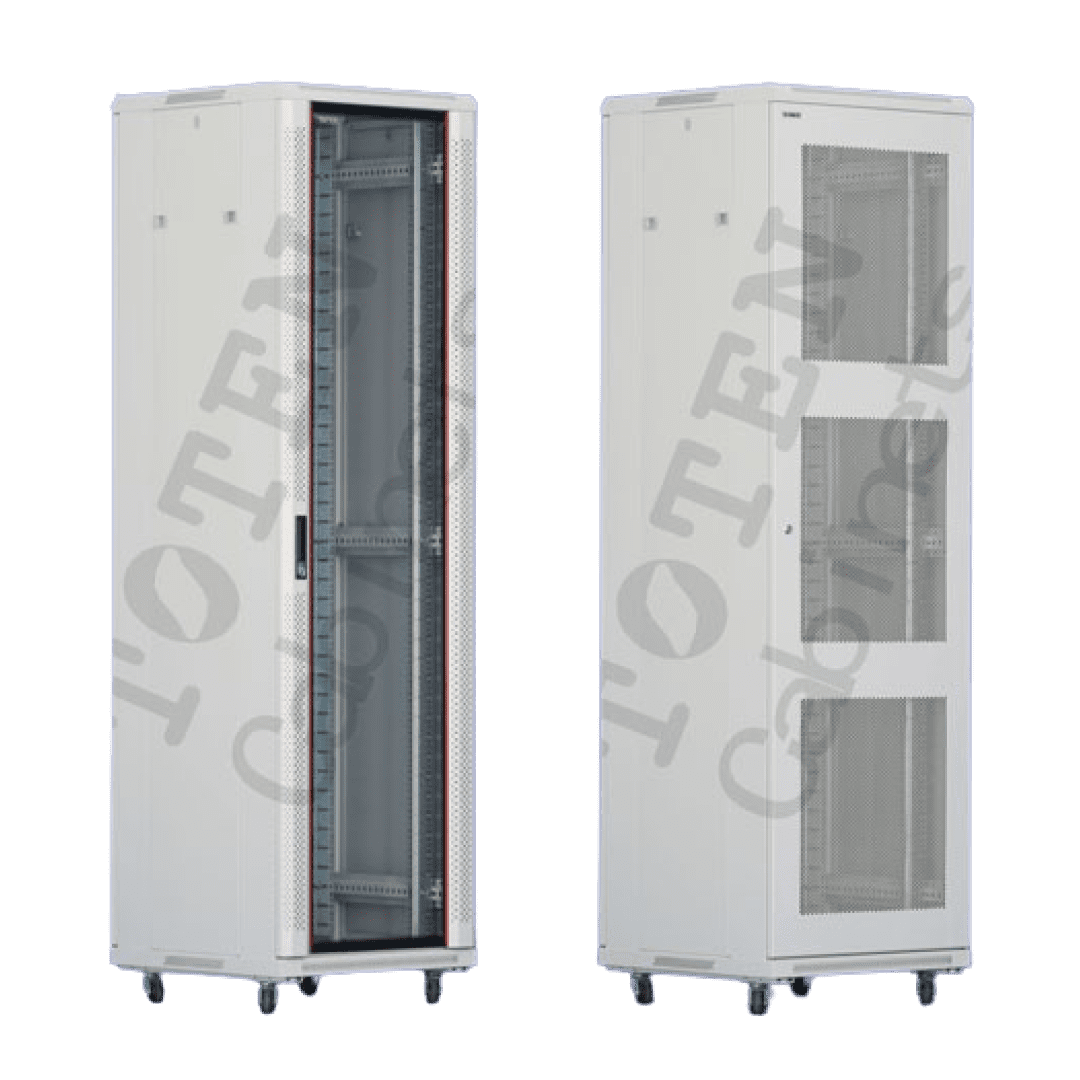
Server rooms in Dubai don’t fail because of poor equipment choices alone. They fail because the room around the equipment was never designed to properly support it. A rack loaded with quality switches, servers, and patch panels can still overheat, develop chronic cable problems, and suffer repeated unplanned downtime if the physical environment wasn’t planned correctly from the start.
Dubai’s climate adds a layer that most generic server room guidance doesn’t account for ambient temperatures that push cooling systems harder, dust that finds its way into every unsealed gap, and humidity fluctuations between heavily air-conditioned interiors and outdoor conditions. Whether you’re setting up a new server room or troubleshooting an existing one that’s causing problems, the mistakes covered here are the ones that consistently shorten equipment life and create operational headaches that could have been avoided.
Mistake 1: Ignoring Hot Aisle / Cold Aisle Layout
This is where most server room problems start. When racks are placed without regard to airflow direction, server exhaust heat circulates back into the intakes of adjacent equipment. Inlet temperatures rise, fans run faster, components operate above their rated thermal range, and failure rates climb.
The fix is simple: position racks so all equipment exhausts heat in the same direction. Cold air enters from one side (cold aisle), passes through the servers, and exits as hot air on the opposite side (hot aisle). Cooling units draw from the hot aisle and push conditioned air back into the cold aisle.
Mistake 2: No Environmental Monitoring Inside the Rack
Temperature and humidity readings taken at room level tell you what’s happening in the room. They don’t tell you what’s happening inside a dense rack with 40 equipment units running at full load.
Rack-level environmental monitoring captures thermal problems that room-level sensors miss: hot spots in the middle of a rack stack, localized humidity spikes from a leaking HVAC unit above the ceiling, or temperature differentials between the top and bottom of the rack that indicate airflow blockages.
Mistake 3: Cable Management Left as an Afterthought
Cables stuffed into racks without structure create two problems. First, they block airflow. A rack full of unmanaged patch cables running across the front of equipment creates a physical barrier that redirects cold air away from server intakes. Second, they make maintenance work slower and riskier. When an engineer can’t quickly identify which cable connects to which location, the probability of pulling the wrong cable during a change increases significantly.
Structured cabling through proper cable management panels, horizontal lacing bars, and rear cable channels keeps airflow paths clear and makes the rack legible. It also means changes can be made faster and with less risk to live connections.
Mistake 4: Undersized or Mismatched PDUs
Power distribution is frequently sized to the room’s needs today rather than to what it will need in 18 months. Racks that are partially populated at commissioning often reach full density faster than planned, and a PDU that was adequate at 60% load becomes a constraint at 100%.
Beyond capacity, PDU placement affects cable management. A PDU mounted in the wrong position pulls power cables across equipment faces, adds cable length, and contributes to the airflow blockage problem described above.
Mistake 5: No Remote Console Access to Rack Equipment
Without remote console access, every server issue that can’t be resolved over the network requires a physical site visit. In Dubai, where facilities may be spread across multiple free zones or locations, this means increased engineer travel time, access coordination delays, and compounding delays under time pressure.
ATEN’s KVM over IP switches, stocked by Zoomline, the authorized ATEN distributor in Dubai, provide out-of-band access to servers at the BIOS level, regardless of the server’s OS or network state. If a server locks up, needs a BIOS update, or requires OS reinstallation, it can be managed remotely via the KVM-over-IP switch without anyone physically going to the rack.
Mistake 6: Mixing Equipment Depths Without Checking Rail Compatibility
Standard 19″ racks accommodate equipment of varying depths, but not all mounting rail systems adjust far enough to support both shallow switches and deep servers in the same rack. Equipment that can’t be properly rear-supported puts mechanical stress on front rack ears, which is how 2U servers end up sagging forward over time, stressing the chassis and the patch connections at the front.
Mistake 7: No Growth Planning in the Rack Layout
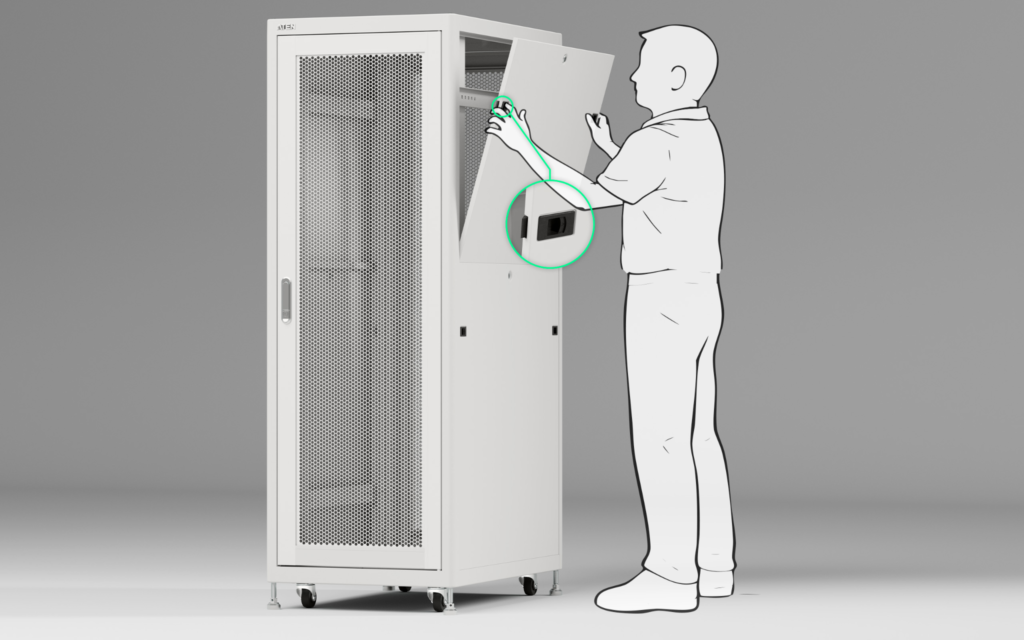
A server room designed exactly to current requirements, with no headroom for expansion, requires physical reorganisation whenever something is added. That reorganisation means taking equipment offline, moving patch connections, and reconfiguring cable runs, all of which carry risk and consume time.
Final Take
Server room design mistakes are almost always fixable, but they’re far less expensive to avoid at the planning stage than to correct after equipment is installed and running. Airflow, cable management, power distribution, environmental monitoring, and remote access aren’t optional refinements; they’re what determines whether a server room runs reliably for years or creates recurring problems from month one. For IT teams and facility managers in Dubai sourcing ATEN KVM, PDU, and monitoring equipment, Zoomline Network stocks the full range. We are an ATEN distributor in Dubai, offering genuine products for your requirements. Visit our website, ZoomLine Network, to browse our range of products or get in touch with our team at +971 4 325 7866.
- APC UPS
- Aruba
- Aten KVM
- CCTV Cameras
- Copper Cable
- Corning
- D-link
- D-link Router
- Eaton UPS
- Excel Cable
- Fiber Optic Patch Cord
- Fiber Optic Splitter
- Fortinet
- FTTH Cabinets
- Hp Switch
- IP PBX System
- Media Converter
- Molex
- Network Cabinet
- Nexans
- Others
- panduit
- Panduit Cable
- Power Distribution Unit
- Product News
- Schneider
- Server Cabinet
- Server Rack
- Splicing Machine
- Structured Cabling
- Technology
- Tp-link
- Tp-link Router
- Ubiquiti
- Ubiquiti Router
- Yealink
- Yeastar