Gateways: Start Here
The gateway handles routing, firewall, and the UniFi application. It sets the ceiling for the whole network.
Model | Clients stated | Threat-inspection throughput | Intended for |
Cloud Gateway Ultra | 300+ | 1 Gbps | 30+ UniFi devices |
Cloud Gateway Max | 300+ | 2.3 Gbps | 30+ UniFi devices |
Dream Machine Pro | 1,000+ | 3.5 Gbps | 100+ UniFi devices |
Dream Machine Pro Max | 2,000+ | 5 Gbps | 200+ UniFi devices |
Enterprise Fortress Gateway | 5,000+ | 12.5 Gbps | 500+ UniFi devices, high availability |
Enterprise Firewall Core | 22,500+ | 79 Gbps | 5,000+ concurrent IPsec tunnels |
Switches: Where Small and Enterprise Part Ways
Family | Layer | Ports | PoE | Uplinks | Intended for |
Lite 16 PoE | 2 | 16 × 1 GbE | 45 W | 1G | Compact PoE access |
Standard 24 PoE | 2 | 24 × 1 GbE | 95 W | 2 × 1G SFP | Basic switching |
Pro 24 PoE | 3 | 24 × 1 GbE | 400 W | 2 × 10G SFP+ | Professional deployments |
Pro Max 24 PoE | 3 | 8 × 2.5 GbE, 16 × 1 GbE | 400 W | 2 × 10G SFP+ | Faster access |
Pro XG 24 PoE | 3 | 16 × 10 GbE, 8 × 2.5 GbE | 720 W | 2 × 25G SFP28 | High-speed access |
Enterprise Campus 24 PoE | 3 | 16 × 10 GbE, 8 × 2.5 GbE | 1,050 W | 4 × 25G SFP28 | Campus and enterprise |
Two differences stand out.
- Layer 3 routing. Standard and Lite are Layer 2. Pro and above are Layer 3, which helps once you run several VLANs.
- PoE budget. A switch with 24 ports can still have a small power budget. Add up what your access points, cameras and phones draw, then compare it with the switch’s watt rating.
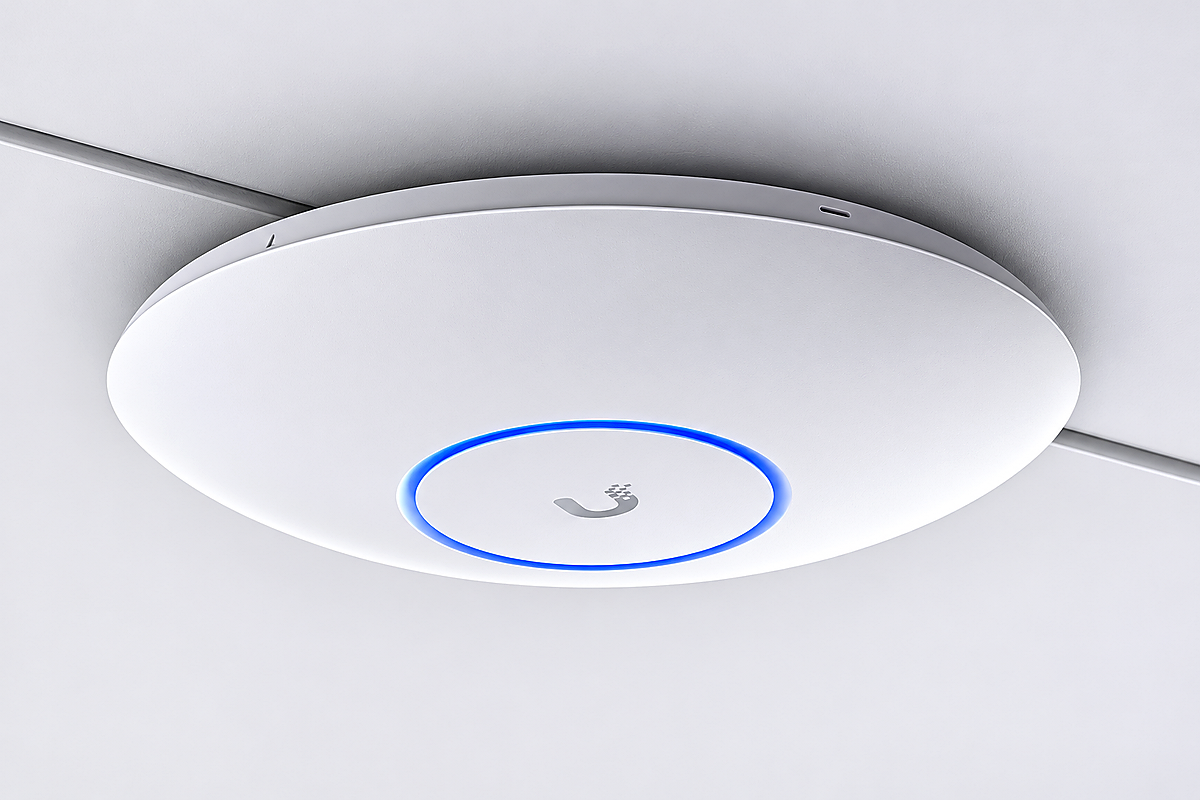
Wi-Fi: Match the Access Point to the Room
Model | Wi-Fi | Streams | Uplink | Intended environment |
U7 Lite | Wi-Fi 7 | 4 | 2.5 GbE | Compact ceiling mount |
U7 Pro | Wi-Fi 7 | 6 | Not listed | Large-scale, demanding environments |
U7 Pro Max | Wi-Fi 7 | 8 | Not listed | Large-scale, demanding environments |
U7 Pro XGS | Wi-Fi 7 | 8 | 10/5/2.5/1 GbE | Ceiling mount, dedicated spectral scanning |
E7 | Wi-Fi 7 | 10 | 10 GbE plus redundant GbE | Enterprise indoor |
E7 Audience | Wi-Fi 7 | 12 | 10 GbE plus redundant GbE | High-density spaces |
A Simple Way to Size Your Network
- Count devices. Include staff devices, guests, cameras, printers and IoT. Add growth for two years.
- List sites. One office is simple. Several sites raise the importance of central management.
- Estimate PoE load. Add the draw of every powered device.
- Check uplinks. If access switches feed a core, they need 10G or 25G links.
- Decide the uptime need. Enterprise lines add high availability and redundant links.
- Plan segmentation. Guest, staff, camera and server networks each need a VLAN.
Which Line Fits Which Business
Business | Likely fit |
Single office, under 30 devices | Cloud Gateway Ultra or Max, Lite or Standard switch, U7 Lite |
Office of 50 to 100 staff | Dream Machine Pro, Pro or Pro Max switch, U7 Pro |
Multi-floor office with cameras | Dream Machine Pro Max, Pro Max switches, U7 Pro Max |
Hotel, school or hospital | Enterprise Fortress Gateway, Pro XG or Campus switching, E7 Audience in dense areas |
Campus or multiple sites | Enterprise Firewall Core, Enterprise Campus switching |
What to Check Before You Order
- Is the gateway rated above your current client count?
- Does the switch PoE budget cover every powered device?
- Are the uplinks fast enough for the traffic they carry?
- Are the access points suited to the density of each room?
- Does the cabling support the speeds you are buying?
- Is the supplier authorised by Ubiquiti?
- What warranty and returns terms apply locally?
Choosing a Supplier
Spec sheets are the same for every reseller, so the supplier decides everything else. Ask each of the Ubiquiti Suppliers in Dubai you shortlist:
- Can you show proof that you are authorised to sell Ubiquiti products?
- Do you hold stock, or is it ordered per project?
- What warranty terms apply here, and who handles a claim?
- Can you help with network design, not just the price list?
- Do you also supply cabling, racks, and power for the same project?
Plan the Cabling and Power Behind It
The best hardware fails on weak cabling. Before you finalise any order from Ubiquiti Suppliers in Dubai, check three things that sit outside the Ubiquiti box:
Item | What to confirm |
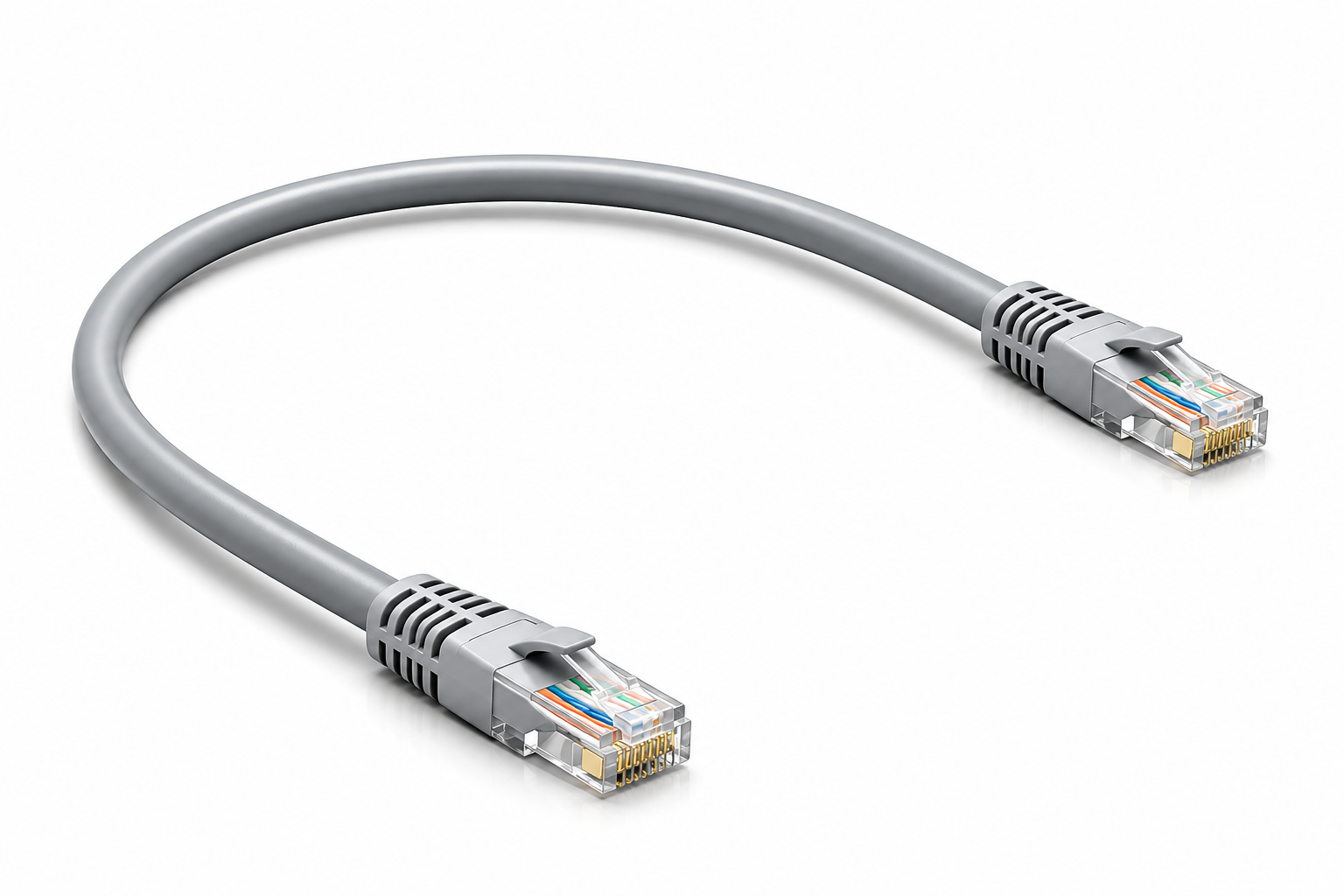
Cable category | Matches the port speed. A 2.5 GbE or 10 GbE port needs cabling that can carry it |
Cable runs | Every access point and camera is within reach of a switch |
Rack space and power | Room for the gateway, switches and a UPS, with spare capacity |
Leave headroom
Buy for the network you expect in two years. A gateway at 90 per cent of its client rating on day one has nowhere to go. Spare PoE ports and uplink capacity cost little at the start and save a redesign later.
Ask about stock
If a project has a fixed opening date, ask each supplier whether the models are in stock locally or ordered per project. Buyers who compare Ubiquiti Suppliers in Dubai only on price often find the cheaper quote has the longer wait.
Where Zoomline Fits
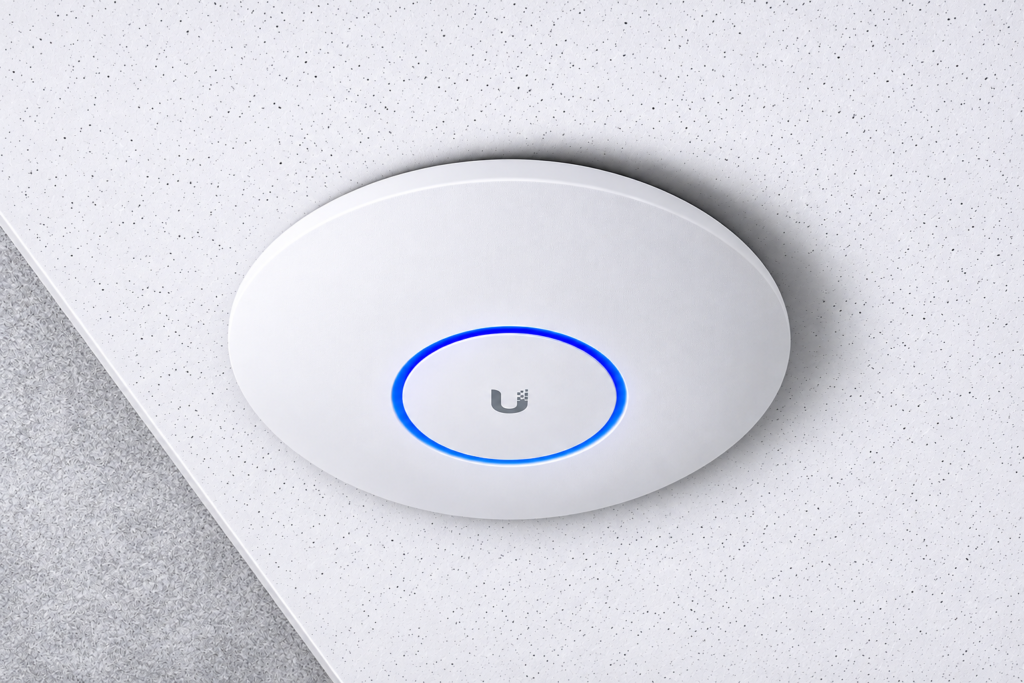
Zoom Line Networks Technology LLC is a Dubai-based distributor of IT, networking and security products. For Ubiquiti distributors in Dubai, we offer the UniFi router, switches, Wi-Fi access points and mesh products. Ask for everything in writing before you place an order with any of the Ubiquiti Suppliers in Dubai you are comparing.
Mistakes to Avoid
- Sizing the gateway by headcount instead of device count
- Buying a 24-port PoE switch without checking the watt budget
- Putting Wi-Fi 7 access points on slow uplinks
- Skipping VLANs because the office is small
- Choosing among Ubiquiti Suppliers in Dubai on price alone
- Ignoring growth over the next two years
Conclusion
Small and enterprise Ubiquiti lines are built for different loads. Match the gateway to your device count, the switches to your PoE and uplink needs, and the access points to how crowded each space is. Then confirm authorisation and warranty with the seller. Zoomline can quote UniFi products and related cabling from Dubai. Contact us with your site details, and the team will help you compare options from Ubiquiti Suppliers in Dubai against your requirements.
- APC UPS
- Aruba
- Aten KVM
- CCTV Cameras
- Copper Cable
- Corning
- D-link
- D-link Router
- Eaton UPS
- Excel Cable
- Fiber Optic Patch Cord
- Fiber Optic Splitter
- Fortinet
- FTTH Cabinets
- Hp Switch
- IP PBX System
- Media Converter
- Molex
- Network Cabinet
- Nexans
- Others
- panduit
- Panduit Cable
- Power Distribution Unit
- Product News
- Ramcro
- Schneider
- Server Cabinet
- Server Rack
- Splicing Machine
- Structured Cabling
- Technology
- Tp-link
- Tp-link Router
- Ubiquiti
- Ubiquiti Router
- Yealink
- Yeastar